
ⓘ Dynamic Forms are only available on our Unlimited and Multi-user plans that are paid annually.
Want to upgrade? Get in touch to discuss!
Dynamic Forms allows you to complete your forms directly in RAMs App without needing to download them.
How do I access Dynamic Forms?
You can access your Dynamic Forms using the steps below after you've logged into RAMs App:
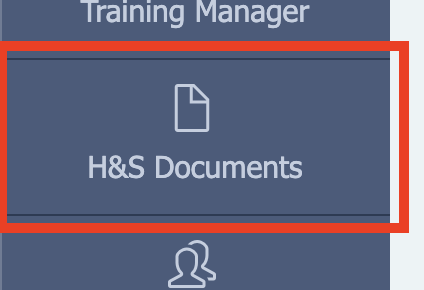
- Click on H&S Documents in the sidebar
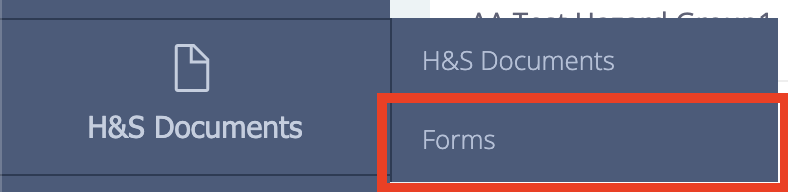
- Select Forms
Once you've got to the Forms page, you'll see two tabs:
- Templates - These are the forms you're able to complete
- Saved Forms - Here you can view all your completed forms to edit, or download them.
Completing forms
To start a new form, go to the Templates tab, find the form you want to complete and click on Start form.

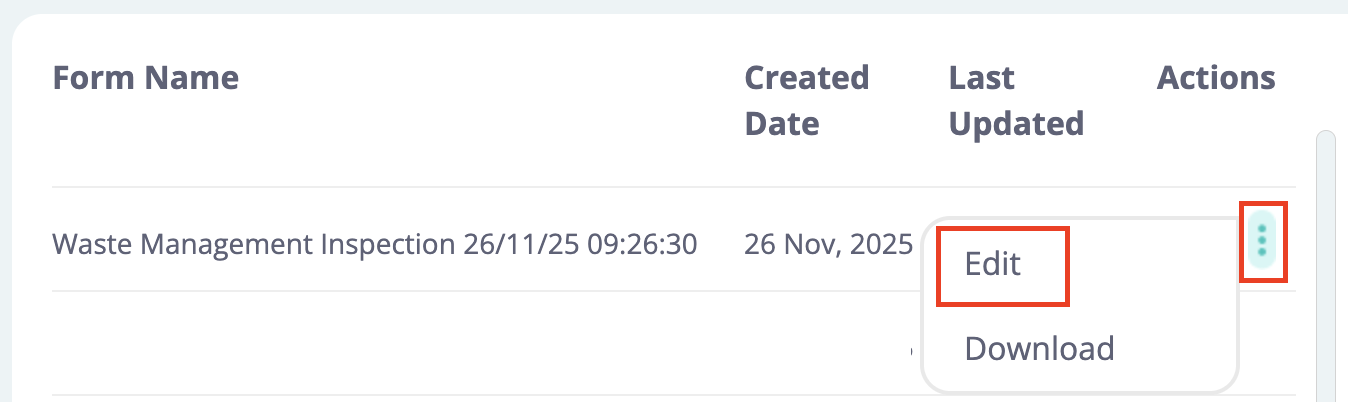
Or if you want to edit an existing form; go to the Saved Forms tab, find the form you want to edit, select the Actions button (⋮) and click on Edit.
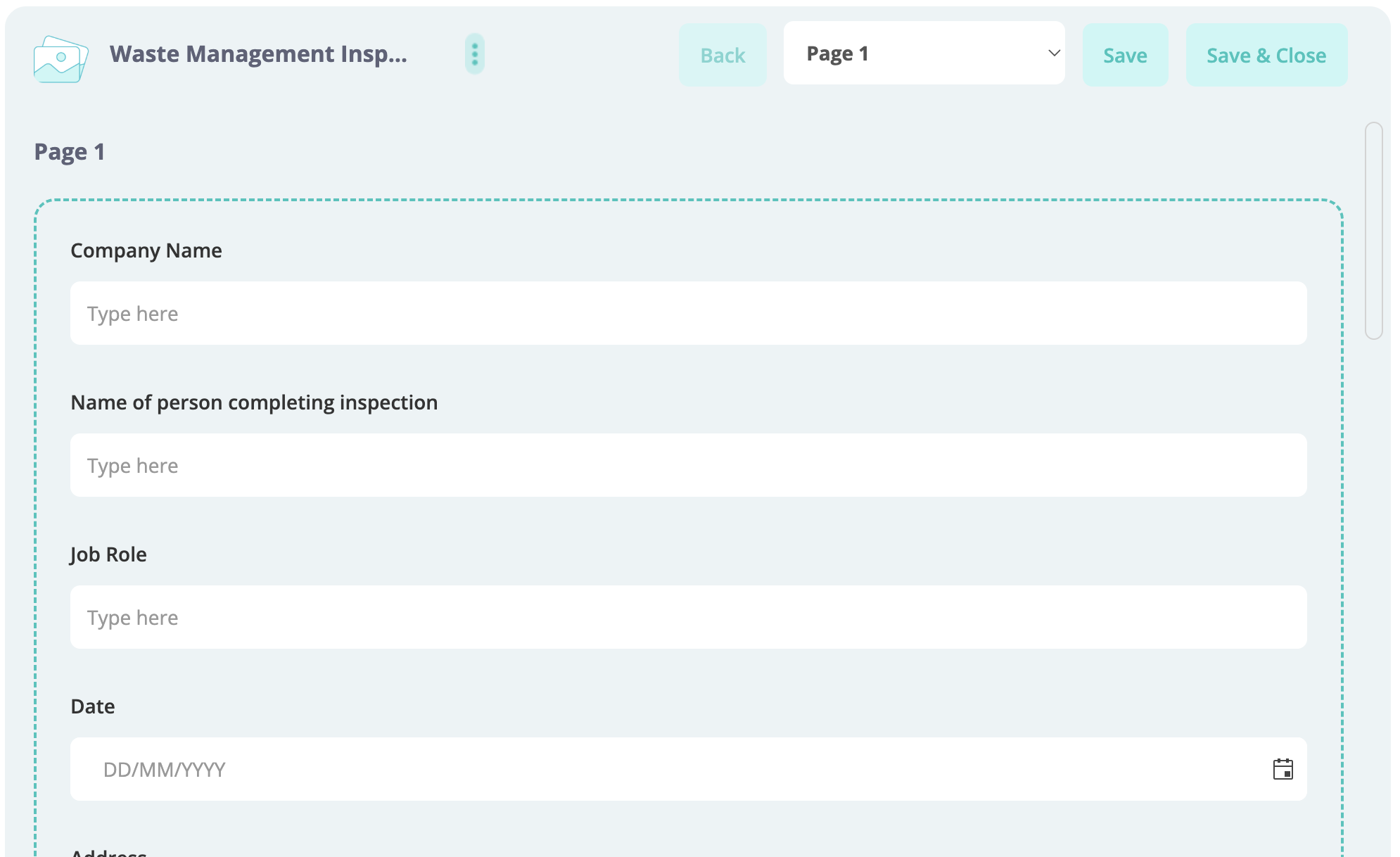
Once you've opened the your form, you'll be able to fill in all the fields. The buttons at the top allow you to navigate through the form, rename it and save the details.
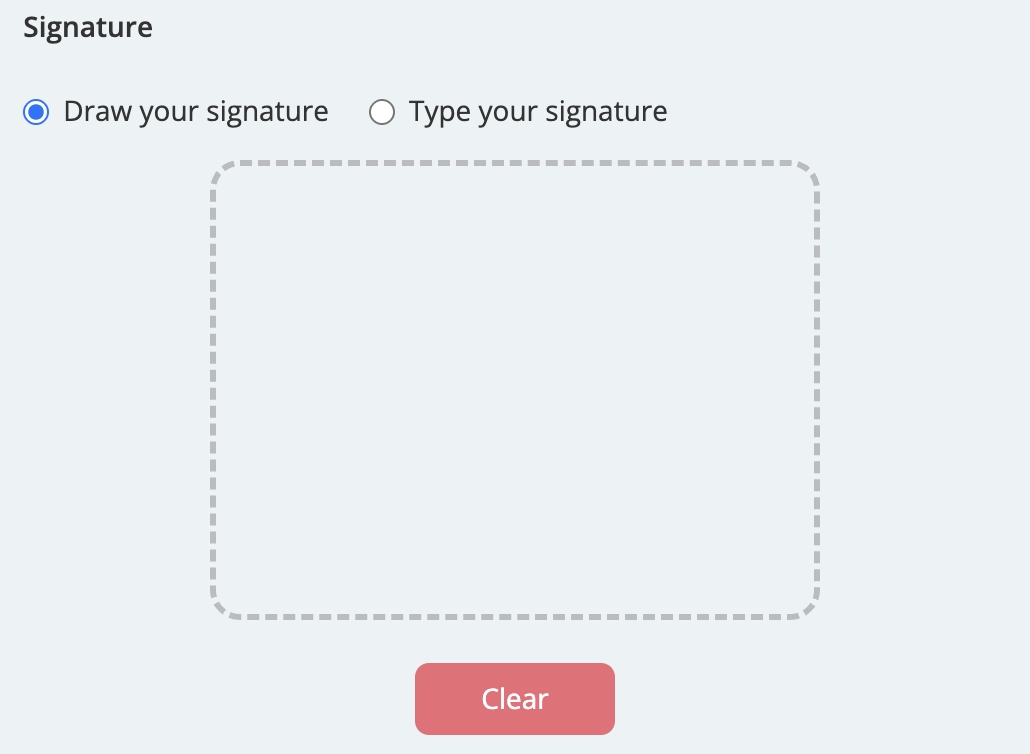
You'll also find a signature box at the bottom of a form allowing you to either draw or type out your signature.
Downloading forms
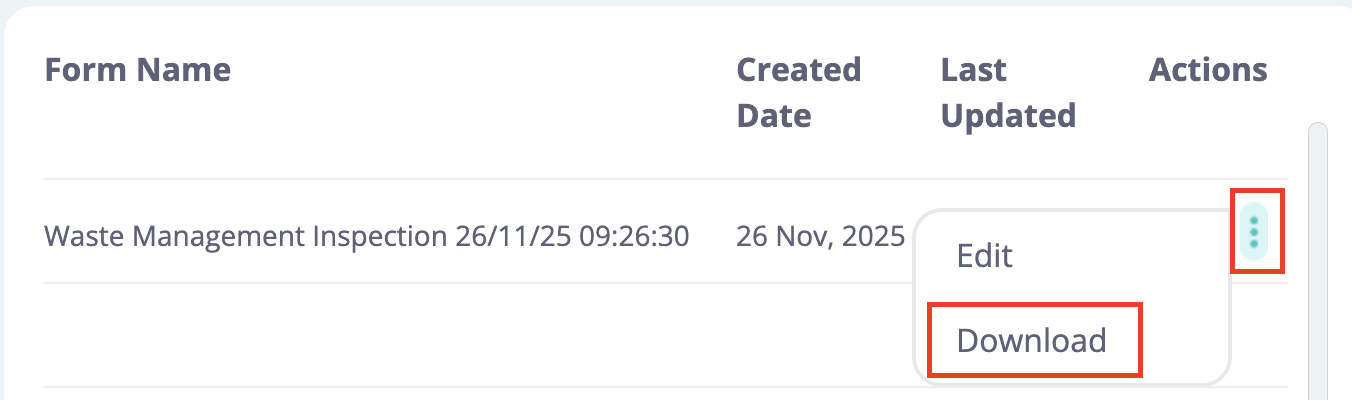
You can download any of your completed forms by going to the Saved Forms tab, finding the form you want to download, selecting the Actions button (⋮) and clicking on Download.
FAQ
Who can use Dynamic Forms?
Any User or Admin on our Unlimited or Multi-User plans can use Dynamic Forms as long the subscription is paid for annually.
Want to use Dynamic Forms but aren't on one of these plans yet? Get in touch to discuss upgrading or email us at hello@rams-app.com.
Can I create custom forms?
Currently, it isn't possible to create new custom Dynamic Forms but if this is something you'd like to do, let us know!